
Migrate from WordPress to a custom website in 2026
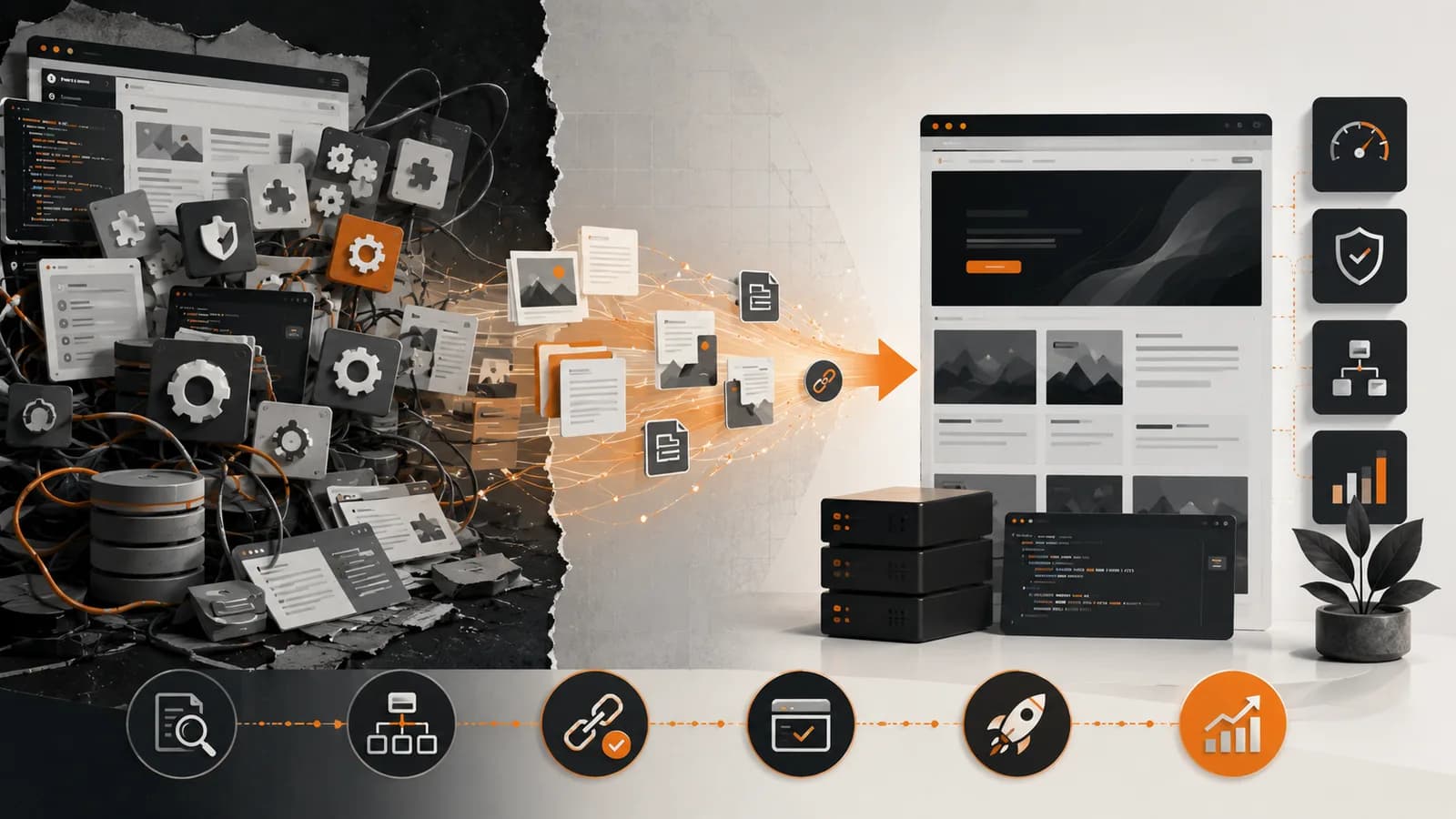
Migrating from WordPress to a custom website is worthwhile when the CMS limits performance, creates a dependency on numerous plugins or makes it difficult to implement essential business functionality. The decision should not be driven by trends: WordPress remains suitable for many websites, but it becomes inefficient when maintaining its dependencies costs more than building an architecture tailored to the project.
At Owius, we made this change to our own website after experiencing technical limitations and a security incident. We migrated 232 articles, preserved their public addresses and avoided losing URLs that were already ranking. The project demonstrates that changing technology does not necessarily destroy SEO when the migration is planned page by page.
When does migrating from WordPress make sense?
WordPress is a flexible content management system with an enormous ecosystem and a reasonable learning curve. It can be a proportionate solution for a simple corporate website, a blog or an online shop with standard requirements.
Problems arise when a company attempts to use it as the foundation of a system for which it was not originally designed. The following signs indicate that it may be worth considering an alternative:
The website loads slowly even after optimising images, caching, the server and other resources.
Updates create compatibility issues between the core system, theme and plugins.
Important functionality depends on too many providers whose products evolve independently.
The team avoids updates for fear of breaking forms, layouts or integrations.
The administration interface has become complex and contains options that no one uses.
Business requirements demand custom code that is difficult to integrate cleanly.
Security and maintenance consume too much time compared with the value provided by the CMS.
The design is restricted by the theme and every modification requires additional exceptions.
A slow website does not by itself prove that you should migrate from WordPress. The cause may be poor hosting, large images or incorrect configuration. Before replacing the platform, it should be audited to determine whether the problem can be solved without rebuilding the project.
Situation Keep WordPress Consider a custom website Standard corporate website Usually sufficient Only if there are special requirements Frequently updated blog Highly suitable Worth considering if performance is critical Numerous dependent plugins Requires continuous maintenance May simplify the architecture Proprietary business processes May require forced development Can model the actual process Demanding performance requirements Possible with good optimisation Greater control over code and loading Complex integrations Dependent on plugins and connectors APIs and workflows designed specifically
The problem is not WordPress, but the accumulation of plugins
WordPress is not inherently insecure or slow. Risks usually increase when an installation combines a complex theme, dozens of plugins and code fragments added over several years by different providers.
Every plugin introduces another dependency. It may add database queries, style sheets, JavaScript, scheduled tasks or external connections. Some resources are loaded even on pages that do not use the corresponding functionality.
Official WordPress documentation recommends keeping plugins up to date to improve security and performance. However, updates also require backups and testing because incompatibilities may arise. This turns maintenance into an ongoing activity rather than a task that can be forgotten once the website has been published.
According to web.dev’s information on the impact of third-party JavaScript, these scripts can affect a page’s performance, privacy, security and behaviour. They do not all come from plugins, but a highly fragmented installation makes it more difficult to determine which resources are essential.
Before migrating from WordPress, it is advisable to prepare an inventory of:
Active, inactive and abandoned plugins.
The business function covered by each plugin.
The resources each one loads in the browser.
The data each one stores or sends to third parties.
The frequency and reliability of its updates.
The alternative required in the new architecture.
This analysis prevents a common mistake: transferring every problem from the old WordPress installation to a new technology. The migration should eliminate unnecessary dependencies—not reproduce them using a different language.
Real-world case: the migration of owius.com
At Owius, we decided to migrate from WordPress after years of publishing content and expanding the website. The installation had accumulated dependencies, suffered from performance limitations and was eventually affected by a security incident.
The decision was not immediate. WordPress continued to perform its editorial function correctly, so the main risk involved losing the historical archive, ranking URLs and the ability to publish new articles easily.
The project included:
232 existing articles with images, categories, metadata and internal links.
An inventory of every public URL before the change began.
Preservation of existing paths whenever they remained valid.
Individual mapping for content whose address needed to change.
A new content system decoupled from the public presentation layer.
A frontend developed with Next.js to control components, resources and performance.
Crawling tests before and after publication.
The most important outcome was preserving all 232 posts without losing any relevant URLs. Keeping the same address is preferable to redirecting it when the content and intent remain unchanged, as this removes an extra step and reduces the risk of errors.
We also used Lighthouse during development to identify loading, accessibility, technical SEO and best-practice issues. We do not present a single score as absolute proof: Lighthouse measures performance under laboratory conditions and results may vary according to the page, simulated device and testing conditions. Improvements should be verified through repeated audits and real-user data.
Google recommends measuring Core Web Vitals using field data. The current targets are an LCP of up to 2.5 seconds, an INP of 200 milliseconds or less and a maximum CLS of 0.1 for at least the 75th percentile of visits.
How to migrate from WordPress without losing SEO
SEO is not preserved by copying the text alone. To migrate from WordPress safely, URLs, metadata, structure, links, images, structured data and technical signals must all be transferred.
The Google Search Central migration guide recommends preparing the new website, creating a correspondence between old and new URLs, configuring permanent redirects and monitoring traffic after the change.
Our checklist includes:
Crawl the previous website: extract URLs, status codes, titles, descriptions, canonical tags, links and images.
Review Search Console and analytics: identify pages with impressions, clicks, traffic and external links.
Create a URL map: link every old address to its exact destination.
Preserve valid paths: do not change a slug merely to make it shorter or more modern.
Apply 301 or 308 redirects: send each piece of content to its genuine equivalent—not always to the homepage.
Update internal links: avoid permanent dependence on redirects.
Review canonical tags, hreflang and structured data: they must point to the correct new version.
Generate an updated sitemap: submit it through Google Search Console.
Check robots and noindex rules: remove any restrictions used during development.
Monitor errors: review 404 errors, redirect chains, indexing and traffic during the following weeks.
Google states that permanent redirects do not in themselves cause a loss of PageRank. It also recommends keeping them in place for at least one year and, from the user’s perspective, maintaining them indefinitely whenever possible.
Avoid changing the domain, every URL, the architecture, content and design simultaneously unless necessary. The more variables that change at the same time, the harder it becomes to determine the cause of a decline.
This process complements our guide to redesigning a website without losing search rankings.
How much does it cost to move from WordPress to a custom website?
The cost of migrating from WordPress depends on the volume of content, functionality, integrations and new technology. As a guide for professional projects in Spain in 2026:
Type of migration Typical scope Indicative price Simple corporate website Design, basic pages, blog and redirects €6,000–€12,000 Content-heavy website Large-scale migration, search engine, categories and technical SEO €10,000–€25,000 Website with a private area or integrations Users, processes, APIs and a custom backend From €20,000 Complex enterprise platform Multiple roles, critical data and external systems From €35,000
These figures are indicative and do not normally include VAT, large-scale copywriting or external services. A quotation should separate analysis, design, development, migration, redirects, testing, infrastructure and maintenance.
The correct comparison is not between free WordPress and expensive development. Hosting, licences, updates, corrections, incidents, optimisation and internal working hours must all be included. A custom website also requires maintenance, but it allows the company to decide which dependencies to incorporate and how the platform will evolve.
When is leaving WordPress not worthwhile?
You should not migrate from WordPress if the website works well, the team can publish content easily and the requirements can be met through reasonable configuration. Changing technology introduces costs and risks that must be justified.
It is probably advisable to keep WordPress when:
The website is primarily corporate or editorial.
It uses few plugins that are active and properly maintained.
Performance meets the company’s business objectives.
There is no complex business functionality.
The budget does not allow for the maintenance of custom development.
The team depends on the editor and has no equivalent alternative.
In these cases, updating the theme, hosting and components, removing extensions, optimising resources and strengthening security may be sufficient. You can review the advantages and limitations of the CMS in our guide to developing a website with WordPress.
Frequently asked questions
Will search rankings be lost when migrating from WordPress?
Not necessarily. The risk is reduced if you preserve the URLs or apply permanent redirects to equivalent content, retain metadata and links, update the sitemap and monitor Search Console. Temporary fluctuations are normal while Google recrawls and reindexes the pages.
What is the best WordPress alternative for a company?
There is no universal alternative. Next.js, Drupal, a headless CMS or custom development may be appropriate depending on the content, integrations and team. The choice should consider editing, performance, security, scalability, maintenance costs and the availability of professionals capable of maintaining the solution.
Is a custom website always faster than WordPress?
No. A custom website can also be poorly developed, load unnecessary scripts or use inadequate infrastructure. Its advantage lies in providing greater control over architecture and resources. Performance must be measured using field data and repeated tests, rather than assumed based on the chosen technology.
How long does a migration from WordPress take?
A corporate website may take between two and four months. Projects involving hundreds of pieces of content, several languages, e-commerce or integrations may require between four and eight months. The URL inventory, redirect testing and content validation usually determine a substantial part of the schedule.
Can WordPress be retained solely as a content management system?
Yes. A headless architecture allows WordPress to be used for editing content while a separate frontend presents the website. This can improve flexibility, but it adds an API, separate deployments and new technical responsibilities. It is worthwhile when the team needs to retain the editor and has the capacity to maintain the architecture.
Migrating from WordPress makes sense when it removes a structural limitation—not when it merely replaces one technology with another. Success depends on simplifying the architecture, preserving SEO signals and preparing an editorial system that the team can continue to use.
Owius is a software, application and artificial intelligence development company in Barcelona with more than 25 years of experience. If your WordPress website has become slow, insecure or difficult to develop further, we can audit it and assess a migration through our professional web design service in Barcelona.