
Custom management software: goodbye to Excel
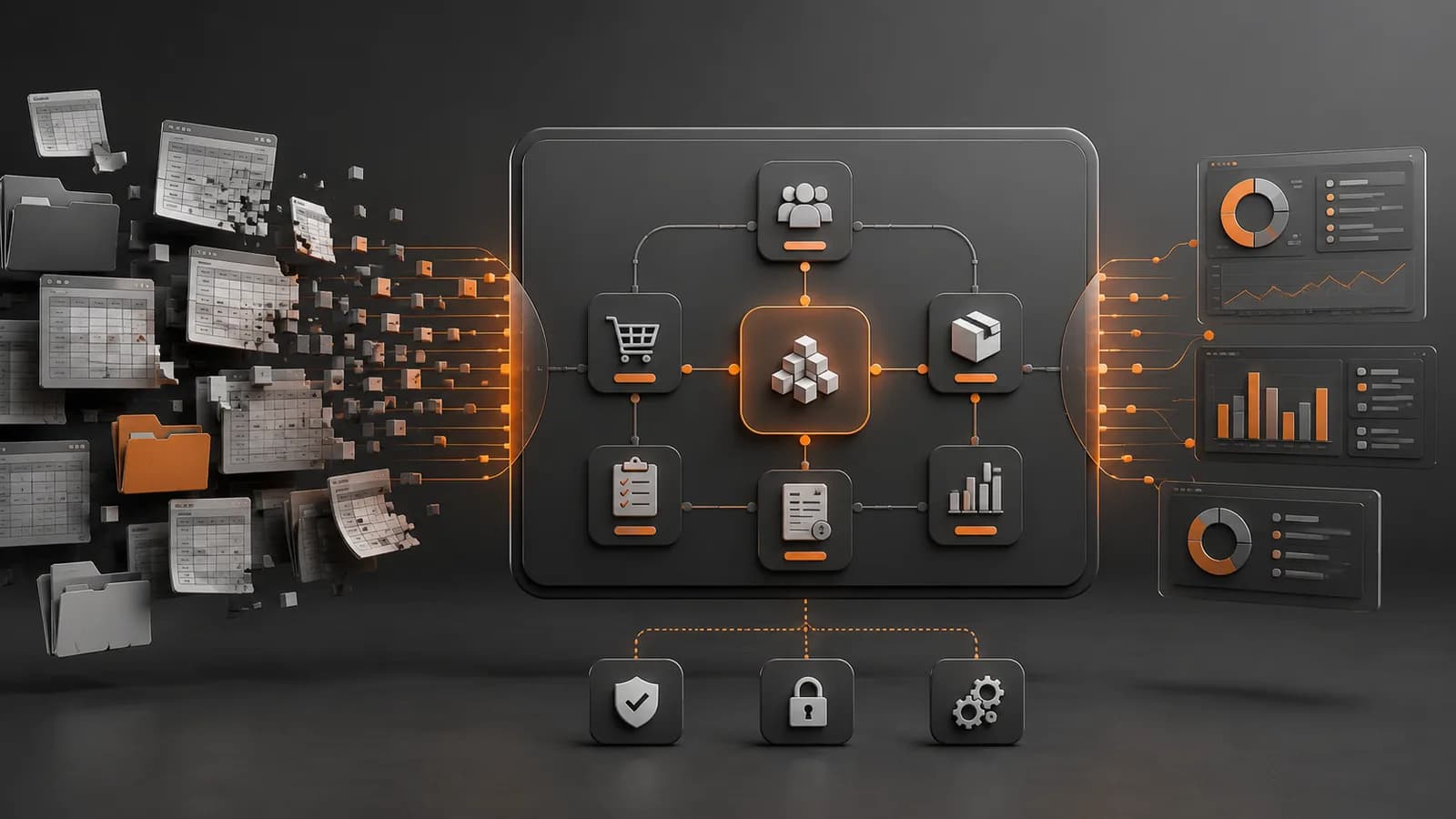
Custom management software replaces interconnected spreadsheets, emails and manual tasks with a single application tailored to the way your company actually works. It becomes worthwhile when Excel starts causing duplicate data, errors, a lack of traceability or too many hours of checking, and an off-the-shelf tool cannot fit without changing essential processes.
The objective is not to eliminate every spreadsheet: they remain useful for one-off analyses and quick calculations. The problem arises when they become the foundation of critical operations, several people edit different versions and knowledge of the process depends on formulas that only one person understands.
The digitalisation of business management is already widespread, although not uniform. According to the Survey on ICT Use in Companies published by Spain’s National Statistics Institute in October 2025, among Spanish companies with ten or more employees and an Internet connection, 63.6% used an ERP, 34.5% a CRM and 44.3% paid cloud services in the first quarter of 2025.
When do you need custom management software?
The first warning sign is not the number of files, but the fact that managing information begins to require additional work. The team spends time finding the correct version, copying data, checking that two documents match or asking someone else what a column means.
These situations indicate that it is worth considering custom management software:
There are several Excel files for the same process: customers, orders, stock, incidents or invoicing are updated separately.
Data is copied manually: the same information is entered into spreadsheets, emails, CRM, ERP or forms.
Errors are difficult to detect: duplicate references, broken formulas, incomplete fields or inconsistent statuses.
There is no traceability: it is difficult to know who changed a piece of data, when they did so and why.
Reports arrive late: someone has to merge and clean files before obtaining a reliable overview.
Growth makes the problem worse: more customers, offices or employees multiply the versions and exceptions.
The process depends on one person: if they are absent, nobody knows all the formulas, macros or manual steps.
Off-the-shelf tools do not fit: they force the company to pay for unnecessary modules or change a distinctive operating process.
What your team gains by replacing Excel with an internal application
An internal management application centralises data and applies business rules consistently. Each person sees the information and actions they need according to their role, while the system validates fields, records changes and automates repetitive steps.
Spreadsheet management Custom management software Multiple versions of the same file A single source of up-to-date information Formulas and validations that are easy to alter Centralised, tested rules General permissions per file Access by user, role, office or department Changes that are difficult to reconstruct History and traceability of operations Manually prepared reports Automatically updated indicators and dashboards Data copied between tools Integrations and synchronisation through APIs Dependence on an expert Process documented within the application itself
The main improvement is the elimination of coordination work. In our projects, we see that many hours are spent verifying information before any action can be taken.
Data quality also improves. The system can prevent an order from being saved without a customer, detect a duplicate reference, require authorisation for certain amounts or issue an alert when a date breaches a rule. These validations reduce errors without relying on every person remembering every step.
Common modules in business management software
Custom management software does not have to replicate an entire ERP. It can focus on the workflow that provides value and connect to the tools the company already uses for accounting, invoicing or human resources.
Customers, contacts and opportunities
The customer module brings together contact details, commercial terms, history, documents and incidents. Unlike a generic CRM, it can be adapted to complex B2B relationships, branches, contracts, rates or proprietary hierarchies.
Orders, purchasing and stock
It makes it possible to record requests, apply pricing rules, control statuses, reserve stock and coordinate suppliers. In a company with specific operating processes, it can handle exceptions that an off-the-shelf product would force staff to resolve outside the system.
Work orders and operations
An application can assign tasks, record time, materials, photographs, signatures or locations, and automatically generate the final document. This module is common in maintenance, installations, technical services, construction and field work.
Documents, alerts and reports
The system can generate quotations, delivery notes, certificates or reports from data that has already been recorded. It can also send alerts about deadlines, blockages, missing documentation or deviations from a target.
Adding modules “just in case” makes the project more expensive. It is preferable to build a useful core and expand it later.
Integration with ERP, CRM, invoicing and other tools
In many companies, the new business management software does not replace the entire ecosystem. Its role is to cover the company’s distinctive process and share information with specialised systems.
The most common integrations include:
ERP and accounting: customers, products, orders, invoices, payments and cost centres.
CRM: opportunities, contacts, activities and sales statuses.
Electronic invoicing: generation, delivery and tracking of documents in accordance with applicable requirements.
E-commerce: catalogue, rates, orders, stock and returns.
Logistics: carriers, tracking, warehouses and shipment preparation.
Email and calendars: notifications, meetings, deadlines and tasks.
Business intelligence: sending clean data to analytics tools.
An API allows two applications to exchange data in a controlled manner. If existing systems provide well-documented APIs, the integration will be more stable and maintainable.
Before development begins, it is necessary to define which system will be the primary source for each item of data. If the ERP and the internal application can simultaneously modify the same customer or order without clear rules, conflicts will arise even if the connection works technically.
A common real-world project: orders, stock and suppliers
One scenario we frequently encounter is a company that manages orders, inventory and suppliers in three different spreadsheets. One person synchronises them every day, checks stock before confirming operations and manually sends an alert when materials are unavailable.
The problem is not only the time invested. A stock change may not reach the order sheet, two people may reserve the same unit and the manager does not have an up-to-date overview until the report arrives.
Custom management software can bring this workflow together in a single system:
The order is recorded with validations and the customer’s terms.
The system checks or reserves the available stock.
If materials are unavailable, it prepares a purchase requirement.
The manager reviews and approves the operation.
Statuses are updated for everyone involved.
Indicators are generated from operational data, without manual consolidation.
This approach does not require the accounting system to be replaced. The application can send confirmed orders or invoices to the ERP and leave functions that are already handled correctly outside the development scope.
At Owius, we start with the real process, not a generic list of modules. This methodology is explained in more detail in our complete guide to custom software.
How much does custom management software cost in 2026?
The price depends on the number of processes, user profiles, rules, integrations and migrations. As a guide for professional projects in Spain in 2026:
Type of solution Typical scope Indicative price Tightly scoped internal tool One main process, few user profiles and one simple integration €8,000–€15,000 Complete management software Several modules, roles, dashboards, documents and integrations €20,000–€60,000 Complex business platform Multiple locations, high volume, migrations and critical processes From €60,000
These are indicative ranges and do not normally include VAT, third-party licences or large-scale data cleaning. The budget should separate analysis, design, development, integrations, migration, testing, training, infrastructure and maintenance.
To assess the return, first measure the cost of the current process. In a hypothetical example, if ten people spend thirty minutes each day consolidating and checking spreadsheets, this amounts to approximately 110 hours per month. At a fully loaded cost of €28 per hour, that is €3,080 per month and €36,960 per year before errors and delays are taken into account.
Not all of that cost will disappear. The calculation serves as a baseline for estimating the percentage that can be reduced.
Frequently asked questions
When should Excel be replaced with management software?
It should be replaced when several people work with the same data, contradictory versions appear, records are copied between tools or errors affect customers and operations. Excel remains useful for one-off analyses; it ceases to be suitable when it becomes the central system for a critical process.
Is an ERP or custom management software better?
An ERP is preferable when the process is standard and its modules fit reasonably well. Custom development is worthwhile when the company’s operations are distinctive, require specific integrations or the ERP forces staff to work outside the system. Many companies use both: an ERP for administration and proprietary software for their key process.
Can data from existing spreadsheets be imported?
Yes, but duplicate entries, formats, incomplete fields and contradictory rules must be reviewed first. Migration usually includes cleaning, transformation, testing and validation by the team. Importing every file without cleaning it would transfer the same problems the new system is intended to solve.
How long does it take to develop an internal management application?
A tightly scoped first version may take between two and four months. A system with several modules and integrations usually requires four to nine months and is delivered in phases. The schedule depends particularly on the clarity of the process, the quality of the data and the customer’s availability for validation.
Who owns the software that is developed?
Ownership must be expressly defined in the contract. It is advisable for the client company to have access to the code, repositories, credentials and documentation for the custom development, while respecting the licences of third-party components. This facilitates maintenance and avoids unnecessary dependence on the supplier.
Custom management software is worthwhile when it turns a fragmented process into a single, traceable operation that is ready to grow. The first step is not programming, but identifying where time is lost, which errors recur and which tools should remain part of the system.
Owius is a software, app and artificial intelligence development company in Barcelona with more than 25 years of experience. If you want to replace spreadsheets, integrate your systems or create an internal application, discover our custom software services in Barcelona and request an assessment of your project.